
CURTAINS & BLINDS · DOHA
Let’s make your room feel finished.
Choose the rooms you are working on, keep any saved looks, and prepare a message for WhatsApp. You review the message before choosing to open WhatsApp; nothing is sent automatically.
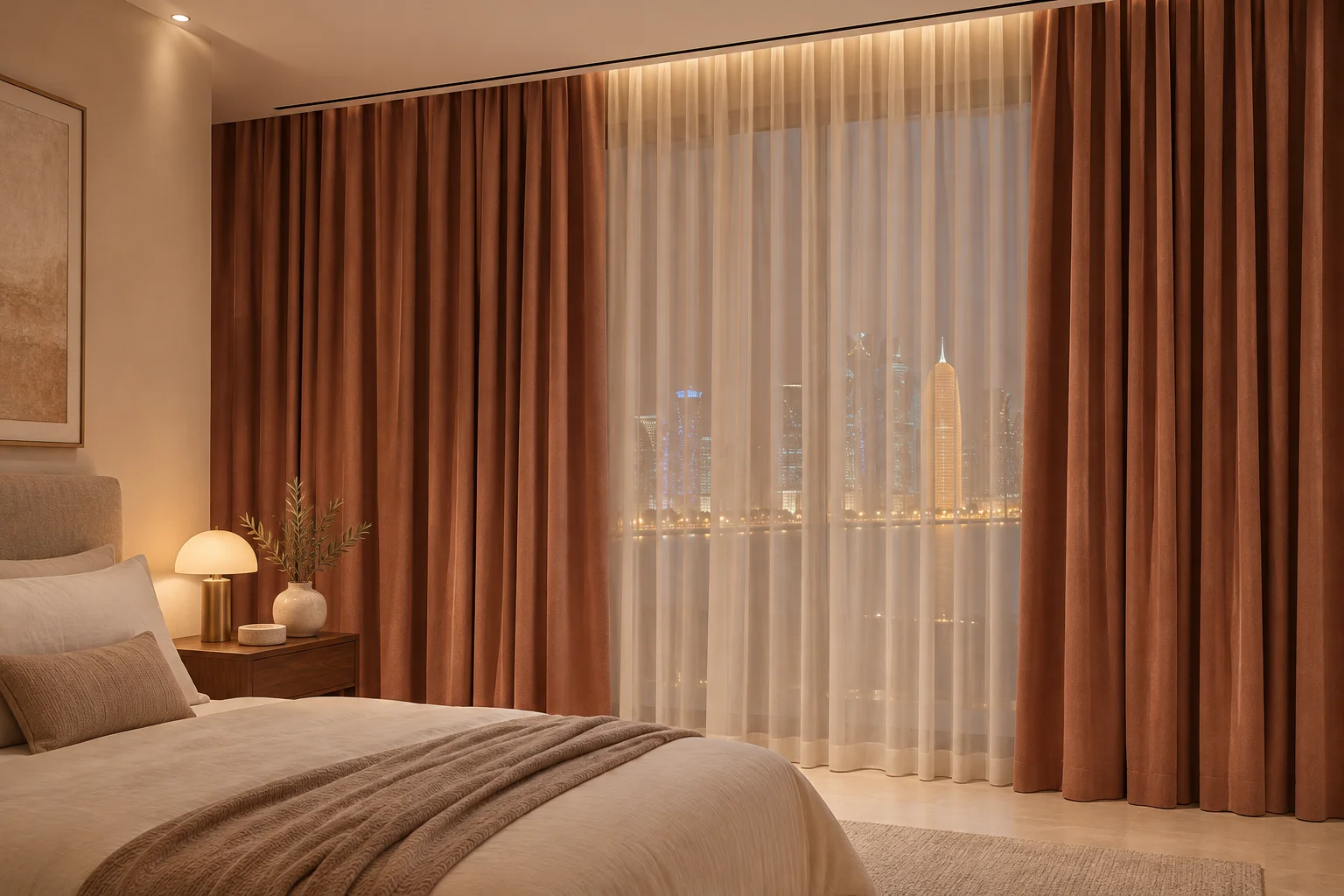
Illustrative inspiration · materials confirmed from samples
01
A little context goes a long way
Tell us what bothers you now: an exposed window, early daylight, glare or a room that feels unfinished. Add your area and approximate number of openings. You can discuss several rooms in one message without forcing them all into the same style.
02
Photos can follow in WhatsApp
A wide room photograph and a closer window view can explain more than a long description. Share them in the conversation if comfortable. This website does not upload or analyse your room photo, and it does not generate an automatic design or final price.
03
Keep measurements provisional
Rough dimensions can help describe the project. They are not instructions for production. Final sizes, material references, heading, hardware and fitting scope need confirmation before an order is made.
A FEW PRACTICAL DETAILS
Before you choose
Does preparing a brief place an order?
No. It prepares a message for a discussion. Order details and any payment are agreed separately.
Where is my brief stored?
Personal form entries remain in the open page until you leave or reload. Only selected look and colour labels are saved locally on this browser.
Keep exploring
YOUR NEXT CHAPTER
Let’s make your room feel finished.
Share a room photo on WhatsApp and tell us the look you love. Final materials and fitting are confirmed together.